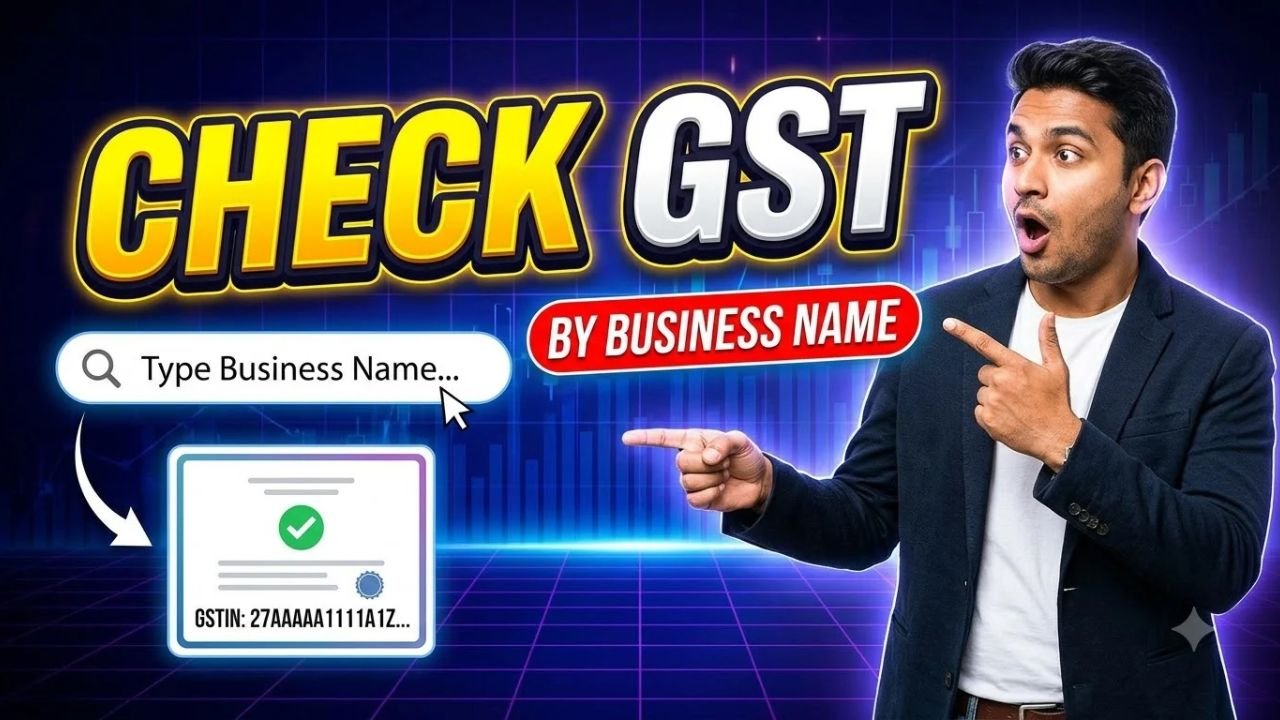
Want to verify a GST number before purchasing goods, paying a supplier or accepting a business invoice? You can check any available GST Identification Number (GSTIN) online through the official GST portal.
The service lets you search for a registered taxpayer and view available details, including the business’s legal name, trade name, registration status and principal place of business. You do not need to log in for the basic GSTIN search.
Enter the 15-character GST number you want to check.
Enter the captcha displayed on the screen.
Click Search to view the available taxpayer information.
The portal will display the matching registration details if the GSTIN is recognised. Check that the business information matches the invoice or company details you received.
What Is a GST Number?
A GST number, officially called a Goods and Services Tax Identification Number or GSTIN, is a unique identification number assigned to a registered taxpayer under India’s GST system.
A regular GSTIN contains 15 characters and is used to identify a registered business or taxpayer. It commonly appears on tax invoices, purchase bills and other business documents.
Checking the GSTIN can help customers, wholesalers, retailers and business owners verify registration details before proceeding with a transaction.
What Details Can You Check Using a GSTIN?
After entering the GST number on the official portal, you may be able to view the following information:
Legal business name: The name under which the taxpayer is registered.
Trade name: The business’s trade name, where applicable.
GST registration status: The status shown in the official record.
Registration date: The date of registration, where displayed.
Taxpayer type: The type of taxpayer shown in the record.
Business address: The principal place of business.
Other registration details: Additional information available on the portal.
The information displayed depends on the taxpayer’s record and the fields provided by the GST portal.
Advertisements
How to Check Whether a GST Number Is Active
Before making a payment or accepting an invoice, you may want to confirm whether the GST registration is active.
Open the GST portal.
Go to Search Taxpayer.
Enter the GSTIN and complete the captcha.
Review the registration status in the results.
If the status is active, the portal currently shows the registration as active. If the status is cancelled or suspended, check the relevant dates and details before relying on the registration for a transaction.
An active GSTIN alone does not prove that a particular invoice is genuine. Compare the business name, address and other available details with the invoice.
Can You Check Any GST Number Without Logging In?
Yes. The basic Search Taxpayer service allows you to check GSTIN details without signing in to a GST account.
You generally need the GST number and may need to complete a captcha. If you do not have the GSTIN, ask the business for its registration number or check whether another official search option is available for your purpose.
What to Do If a GST Number Is Not Found
If the GST portal does not return a result, follow these steps:
Check the GSTIN for typing errors.
Confirm that all 15 characters have been entered correctly.
Ask the business to confirm the number printed on its invoice.
Try the search again through the official portal.
If the problem continues, contact the business or the relevant GST authority.
Do not assume that a business is registered simply because it has a company name, website or business licence.
Frequently Asked Questions
Is it free to check any GST number online?
Yes. The basic GSTIN taxpayer search on the official GST portal is available without a login or search fee.
How many digits are in a GST number?
A regular GSTIN contains 15 characters, including letters and numbers.
Can I check another company’s GST number?
Yes. You can use the public taxpayer search to verify the GST registration details available for another business.
Can I check a GST number using a business name?
The standard search described above uses the GSTIN or UIN. If you do not know the number, check the official portal for any alternative search options or request the GSTIN directly from the business.
Does an active GST number guarantee a genuine business?
No. It confirms the registration status shown in the GST record, not the legitimacy of every invoice, product or transaction. Verify other business and transaction details as appropriate.
Conclusion
Checking a GST number online is a simple way to verify available taxpayer registration details before a business transaction. Use the official GST portal, enter the GSTIN, complete the captcha and review the registration status and business information carefully.