Your Aadhaar card is the most important identity document in India today. Whether you’re applying for a bank account, a SIM card, filing income tax, or receiving government subsidies, Aadhaar is needed everywhere. But what happens when your details are wrong or outdated?
The good news is that UIDAI (Unique Identification Authority of India) allows you to update many Aadhaar details online, from the comfort of your home, without standing in long queues. This guide will walk you through everything you need to know about the Aadhaar update process in 2026.
Advertisements
Table of Contents
What Details Can You Update in Aadhaar?
Online vs Offline Update: Which is Right for You?
How to Update Address Online (Step-by-Step)
How to Update Name / DOB / Gender Offline
Documents Required for Aadhaar Update
Aadhaar Update Charges in 2026
How to Track Your Aadhaar Update Status
Frequently Asked Questions (FAQs)
1. What Details Can You Update in Aadhaar?
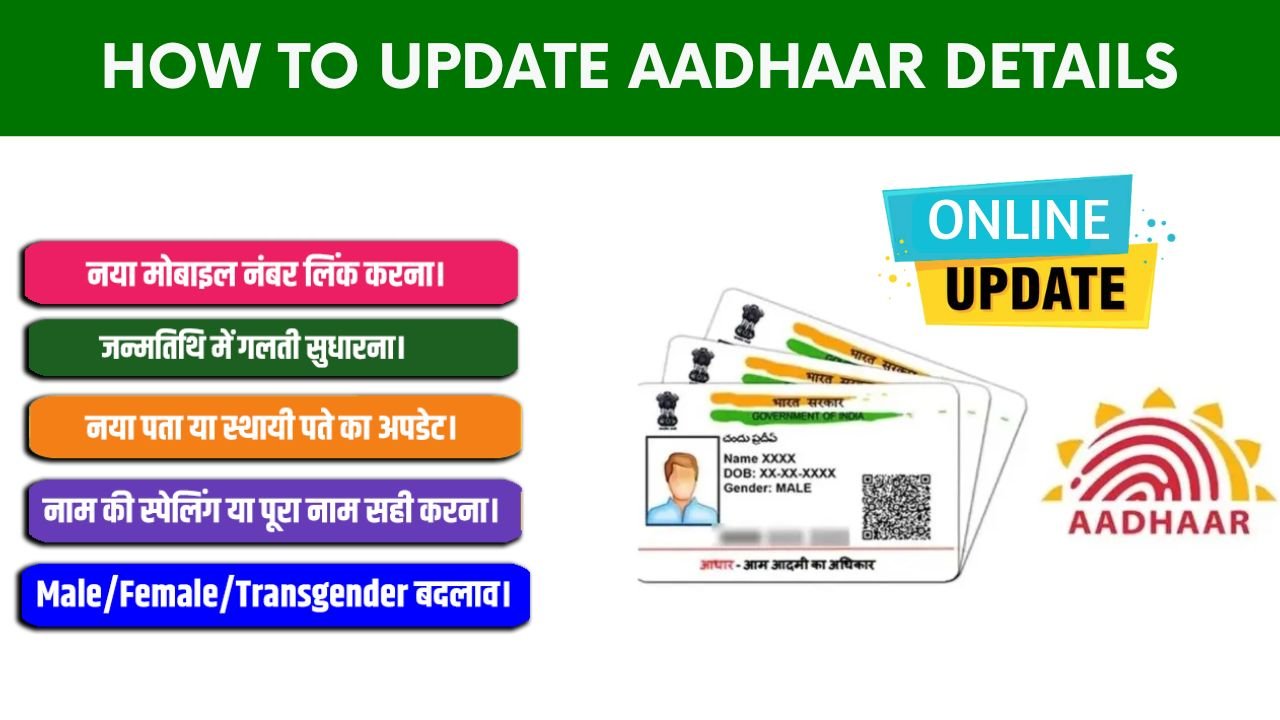
Unique Identification Authority of India allows updates to both demographic and biometric details. Here’s a quick overview of what you can change and how:
Address – Online – Requires valid proof of address
Date of Birth – Offline only – Requires proof of date of birth
Gender – Offline only – No documents required
Mobile Number – Offline only – No documents required
Email ID – Offline only – No documents required
Biometrics (Photo Fingerprint Iris) – Offline only – No documents required
Important Note: Currently, UIDAI only allows address updates and document uploads through the online portal at myaadhaar.uidai.gov.in. For name, date of birth, gender, or mobile number changes, you must visit an Aadhaar Seva Kendra or Enrolment Centre.
Advertisements
2. Online vs Offline Update: Which is Right for You?
Before you begin, figure out which method applies to you:
Online (myAadhaar) Best for Address & Document updates. Requires registered mobile number for OTP.
Offline (Seva Kendra) Required for Name, DOB, Gender, Mobile & Biometric updates. Visit in person.
Pre-Requirement: To use any online Aadhaar service, your mobile number must be registered with your Aadhaar. Without it, you can only use limited services like ordering a PVC card or locating an enrolment centre.
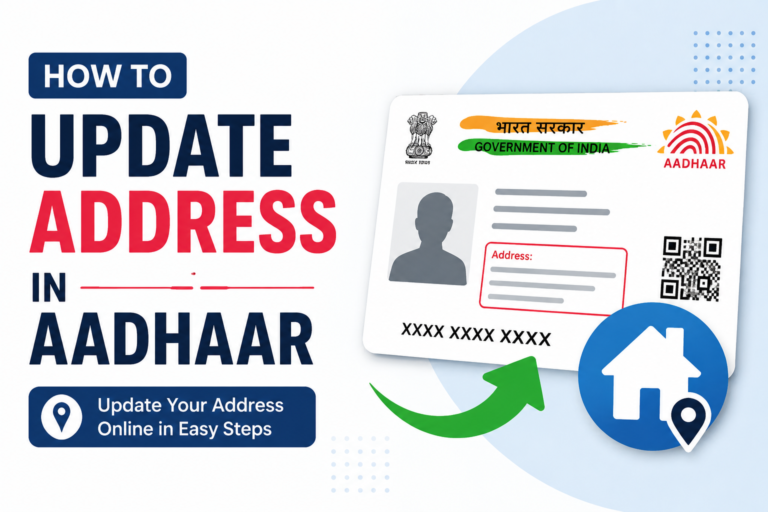
3. How to Update Address Online: Step-by-Step
This is the most commonly requested update. Here’s exactly how to do it in 2026:
Visit the Official myAadhaar Portal: Go to myaadhaar.uidai.gov.in, always use the official UIDAI website to avoid fraudulent sites.
Login with Your Aadhaar Number: Enter your 12-digit Aadhaar number and the CAPTCHA. Click “Send OTP” — a one-time password will be sent to your registered mobile number.
Navigate to “Update Your Aadhaar”: From the dashboard, click on “My Aadhaar” → “Update your Aadhaar” → “Update Address Online”.
Select “Address” from Aadhaar Data Fields: Choose the “Address” option from the list of available fields you wish to update.
Enter New Address Details: Fill in your new address in English. It will automatically be transliterated into your preferred regional language (Hindi, Gujarati, Tamil, Telugu, Bengali, Marathi, etc.).
Upload Supporting Document (Proof of Address): Upload a clear, coloured scan of your address proof (e.g., electricity bill, bank passbook, rental agreement). The document must be in your name and must match the address entered.
7. Submit and Save Your SRN: After successful submission, you will receive a Service Request Number (SRN) on screen and via SMS. Download the invoice. You can use this SRN to track your update status.
Success Tip: Make sure the address on your supporting document exactly matches what you enter on the form. Any mismatch is a common reason for rejection.
4. How to Update Name / DOB / Gender Offline
For changes like name correction, date of birth update, or gender change, you must visit an Aadhaar Seva Kendra or Enrolment Centre. Here’s how:
Locate the Nearest Aadhaar Centre: Visit bhuvan.nrsc.gov.in/aadhaar to find the nearest Aadhaar Enrolment or Seva Kendra in your city.
Fill the Aadhaar Update/Correction Form: Collect and fill the Aadhaar Enrolment/Update form. These are also available for download on the UIDAI website.
Submit Documents at the Centre: Present original documents to the operator. They will scan and return them. You do not need to submit originals permanently.
Provide Biometrics if Required: For biometric updates (fingerprint, iris, photo), your biometrics will be captured at the centre.
Pay the Applicable Fee: Pay the update charges at the counter. You will receive an acknowledgement slip with a URN (Update Request Number) to track your update status.
5. Documents Required for Aadhaar Update
For Address Update (Proof of Address):
Passport
Bank Statement / Passbook
Electricity Bill
Water Bill
Telephone / Mobile Bill
Ration Card
Driving Licence
Rental / Lease Agreement
Government-issued ID with Address
Property Tax Receipt
For Name / DOB Update (Proof of Identity / Date of Birth):
PAN Card
Passport
Birth Certificate
SSLC / Matriculation Marksheet
Marriage Certificate (for name change)
Gazette Notification
Court Order
Document Rules: The uploaded document must be coloured, clear, and in your name. Blurry or black-and-white scans are commonly rejected. If you upload a utility bill, ensure it is not older than 3 months.
6. Aadhaar Update Charges in 2026
UIDAI has fixed official charges for different update types. There is no hidden cost:
Pro Tip: UIDAI recommends updating your Aadhaar details once every 10 years to keep your records accurate for banking, loans, insurance, and government services.
7. How to Track Your Aadhaar Update Status
After submitting your update request, you can easily track whether it has been approved, is pending, or has been rejected:
Visit the Aadhaar Update Status Page: Go to myaadhaar.uidai.gov.in and scroll to the “Check Aadhaar Update Status” section.
Enter Your Aadhaar Number & SRN/URN: Input your 12-digit Aadhaar number along with the SRN (for online updates) or URN (for offline updates) from your acknowledgement slip.
Check Status: The portal will show you the current status: Submitted → Under Review → Approved / Rejected. Processing typically takes 5–10 working days.
If your request is rejected, UIDAI will send an SMS explaining the reason. Common reasons include mismatched address, unclear document scan, or expired document.
8. Frequently Asked Questions (FAQs)
Can I update my mobile number in Aadhaar online?
No. As of 2026, mobile number updates cannot be done online. You must visit your nearest Aadhaar Enrolment Centre or Aadhaar Seva Kendra in person to update or register your mobile number.
How many times can I update my name in Aadhaar?
UIDAI allows a name update a limited number of times. You should use the update carefully and provide legally valid documentation such as a Gazette notification or marriage certificate for name changes.
Can I update my Aadhaar address without a registered mobile number?
No. A registered mobile number is mandatory for OTP-based authentication on the myAadhaar portal. Without it, you must visit an Aadhaar centre for any update.
Can I update address using mAadhaar app?
Yes, the mAadhaar app supports address updates via document upload. However, demographic updates like name, date of birth, and mobile number are not available on the app yet.
What is the difference between SRN and URN?
SRN (Service Request Number) is generated after an online update request. URN (Update Request Number) is the tracking number given at Aadhaar Seva Kendras for offline updates. Both can be used to track your update status on the UIDAI portal.
How long does Aadhaar update take after submission?
Typically, Aadhaar updates are processed within 5 to 10 working days after successful submission. You’ll receive SMS updates on your registered mobile number throughout the process.
Can I update my photo on Aadhaar online?
No, photo (biometric) update is only available offline. You must visit an Aadhaar centre where biometrics are recaptured. A fee of ₹100 is applicable for biometric updates.
Conclusion
Keeping your Aadhaar details accurate is not just a formality — it directly affects your access to banking, insurance, government welfare schemes, and KYC verification. The good news is UIDAI has made address updates completely free and online through myaadhaar.uidai.gov.in.
For other details like name, date of birth, or mobile number, a simple visit to an Aadhaar Seva Kendra is all it takes. Always use official UIDAI portals and beware of third-party websites that charge money for free government services.
If you found this guide helpful, share it with your family and friends, because everyone in India needs an up-to-date Aadhaar card.