Have you forgotten your UAN number or cannot find it on your salary slip? Your Universal Account Number (UAN) is important for checking your PF balance, downloading your EPF passbook, transferring PF and accessing other EPFO services.
If you are an employee covered under the Employees’ Provident Fund (EPF), you can retrieve your UAN online through the official EPFO member portal.
You do not need to visit the EPFO office just to find your UAN. Here is how to check it using your registered mobile number, Aadhaar, PAN or other employment details.
Advertisements
1. How to Find UAN Number Online Through the EPFO Website
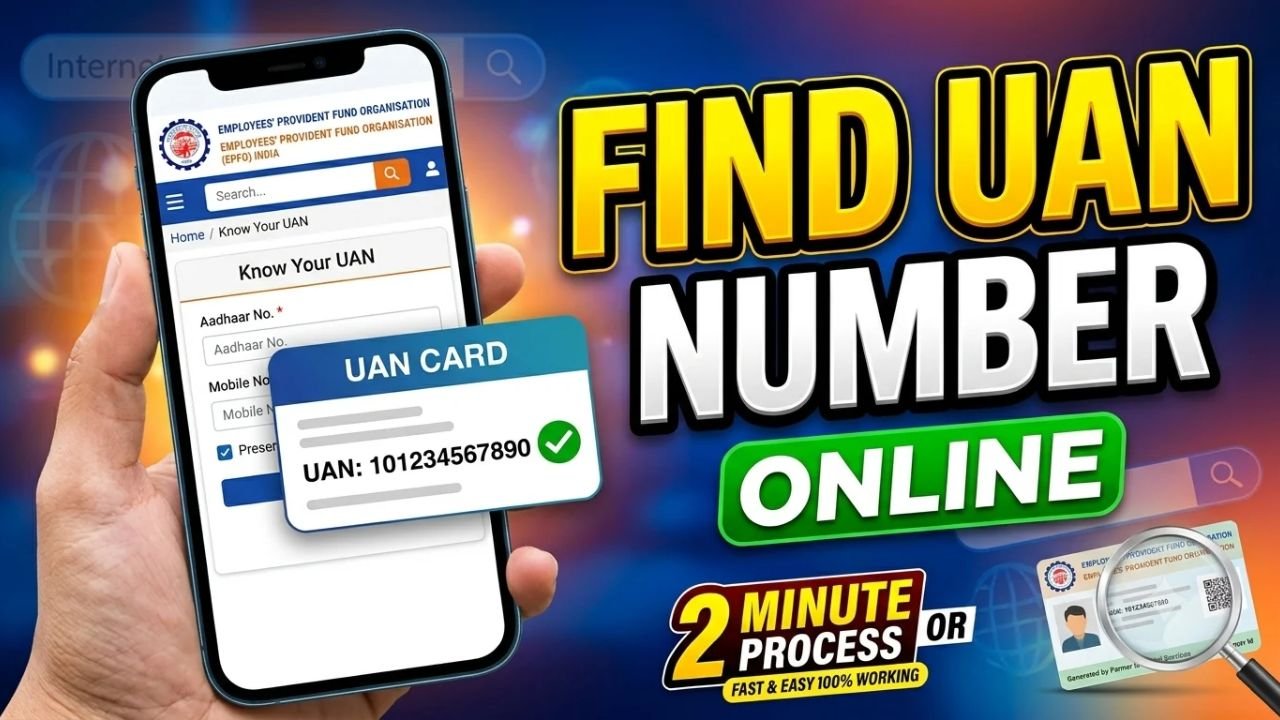
The easiest way to find your UAN is through the official EPFO Member Portal using the Know Your UAN facility.
Enter the requested personal details, such as your name, date of birth and Aadhaar, PAN or Member ID.
Submit the information.
Your UAN will be displayed or sent to your registered mobile number, depending on the portal process.
Keep your personal information ready before starting the process.
Advertisements
2. How to Find UAN Number Using Aadhaar Card
If your Aadhaar is linked to your EPF account, you may be able to retrieve your UAN using your Aadhaar details.
Steps to follow:
Open the official EPFO Member Portal.
Select the Know Your UAN option.
Enter your registered mobile number.
Complete OTP verification.
Select Aadhaar as the identification option, if available.
Enter your Aadhaar details and other requested information.
Submit the details.
Follow the verification instructions to retrieve your UAN.
Important: Your Aadhaar details must match the information available in EPFO records. If there is a mismatch, you may need help from your employer or EPFO.
3. How to Find UAN Number Using PAN Card
You can also try retrieving your UAN using your PAN details through the EPFO portal.
Select PAN as your identification method, if available.
Enter your PAN details.
Provide any additional information requested by the portal.
Submit the details to retrieve your UAN.
This method works only when your PAN information is available and correctly linked with your EPFO records.
4. How to Find UAN Number Using Mobile Number
If your mobile number is registered with your EPF account, you can use it to start the UAN retrieval process.
Steps:
Open the EPFO Member Portal.
Click Know Your UAN.
Enter your registered mobile number.
Enter the captcha code.
Request an OTP.
Verify your mobile number.
Provide the additional details requested by EPFO.
Submit the form to retrieve your UAN.
You must use the mobile number registered with EPFO. If you have changed your number, the OTP may not reach your current phone.
5. How to Find UAN Number Through Your Salary Slip
If you receive a monthly salary slip from your employer, check whether your UAN is printed on it.
Many companies mention the following information on salary slips:
Employee Name
Employee ID
UAN Number
PF Account Number
Basic Salary
Employee PF Contribution
Employer PF Contribution
Look for a field labelled UAN or Universal Account Number.
If you cannot find it, contact your company’s HR or payroll department.
6. How to Find UAN Number Through Your Employer
If you cannot retrieve your UAN online, your current or previous employer may be able to provide it.
Follow these steps:
Contact your company’s HR or payroll department.
Ask them to check your EPF employment records.
Provide your employee ID and other requested details.
Ask for your UAN and associated PF Member ID.
If you have worked for multiple companies, remember that your UAN generally remains the same when you change jobs. Your new employer should link the existing UAN to your new PF Member ID rather than create another UAN.
7. What If You Cannot Find Your UAN Number?
Sometimes employees cannot retrieve their UAN even after entering the correct information.
Here are some common reasons and possible solutions:
Problem
What You Can Do
Mobile number is changed
Contact your employer or EPFO for help updating your details
Aadhaar details do not match
Check and correct your EPFO KYC information
PAN is not linked
Try another available identification method
Incorrect date of birth
Ask your employer to help correct your EPFO records
UAN not generated
Contact your employer and ask about EPF registration
Multiple UANs
Inform your current employer and follow EPFO’s process to resolve the issue
You can also contact the EPFO helpdesk or raise a grievance through the official EPFiGMS portal.
8. What Is the Difference Between UAN and PF Account Number?
Many employees confuse their UAN with their PF account number, but they are different.
UAN
PF Member ID
Universal Account Number
Individual PF account identification
Generally remains the same throughout your working career
Can change when you change employers
Links multiple PF Member IDs
Identifies a particular employment account
Used to access EPFO member services
Used to identify a specific PF account
For example, if you work for three different companies, you will generally have one UAN linked to three different PF Member IDs.
Frequently Asked Questions (FAQs)
1. How can I find my UAN number online?
Visit the EPFO Member Portal and select Know Your UAN. Verify your registered mobile number using OTP and provide the requested personal or employment details.
2. Can I find my UAN number using Aadhaar?
Yes, you may be able to retrieve your UAN using Aadhaar through the Know Your UAN facility, provided your details match EPFO records.
3. Can I find my UAN number without a mobile number?
Online UAN retrieval generally requires mobile OTP verification. If your registered number is unavailable, contact your employer or EPFO for assistance.
4. Is UAN the same for every company?
Your UAN generally remains the same when you change jobs. Each new employer creates or links a separate PF Member ID under your existing UAN.
5. Can I check my PF balance without knowing my UAN?
You generally need your UAN to access the online EPFO passbook. First retrieve your UAN through the Know Your UAN facility or ask your employer.
6. What should I do if I have two UAN numbers?
Inform your current employer and follow EPFO’s prescribed process to resolve the duplicate UAN issue. Do not continue using multiple UANs without getting the records corrected.
7. Is there any fee to find a UAN number?
No. The official EPFO Know Your UAN service is free.
Conclusion
Finding your UAN number is simple if you have access to your registered mobile number and correct personal details. You can retrieve it through the EPFO Member Portal using the Know Your UAN facility, check your salary slip or contact your employer.
Once you have your UAN, keep it safe because it is required for accessing your PF balance, downloading your passbook and managing your EPF account.