Planning an international trip? Depending on your destination and nationality, you may need to apply for a visa before you travel. Many countries now allow travelers to start or complete their visa application online, making the process much easier than visiting an embassy just to submit basic information.
However, there is no single website where you can apply for every country’s visa. Visa requirements, application forms, fees, processing times and appointment rules depend on the country you are visiting and the passport you hold.
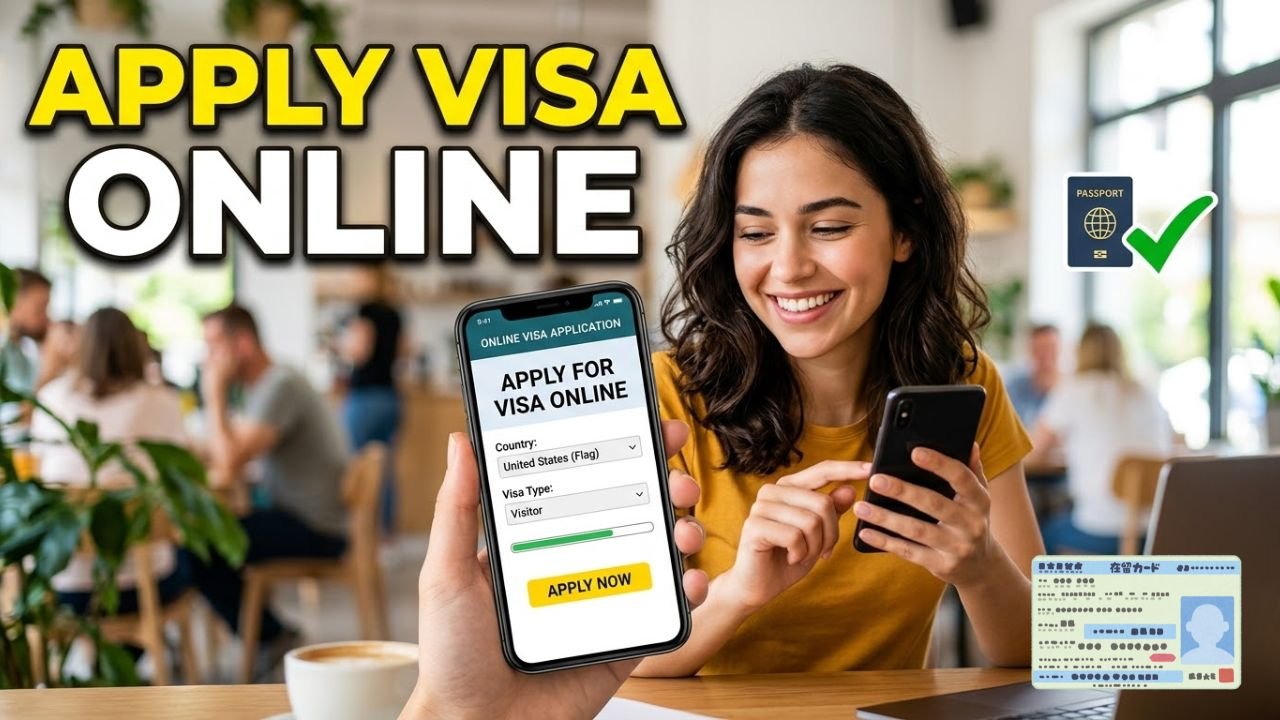
How to Apply for a Visa Online
The basic process is similar for many countries, although the exact requirements can be different.
1. Check if You Need a Visa
Before applying, check the visa requirements for your destination based on your nationality and the purpose of your trip.
You may need a tourist visa, business visa, student visa, work visa, transit visa or another category. Some travelers may qualify for visa-free entry, an electronic travel authorization or visa on arrival instead.
2. Visit the Official Visa Website
Once you know that you need a visa, find the official government immigration, embassy or consulate website for your destination.
Some countries operate their own online e-Visa systems. For example, India’s official e-Visa system allows eligible foreign nationals to apply online, upload documents, pay the applicable fee and receive an Electronic Travel Authorization by email.
For other countries, you may complete an online form and then attend an embassy, consulate or authorized visa application center.
3. Complete the Online Application
Enter your personal and travel information carefully.
The application may ask for your:
- Full name and date of birth
- Passport information
- Nationality
- Travel dates
- Destination address
- Employment or education details
- Travel history
- Purpose of travel
Make sure the information matches your passport and supporting documents.
4. Upload the Required Documents
Depending on the visa, you may need to provide a passport copy, photograph, proof of accommodation, travel itinerary, financial documents, invitation letter, travel insurance or other supporting documents.
Requirements vary significantly between countries and visa categories, so check the official instructions before submitting anything.
5. Pay the Visa Fee
Many online visa applications require payment by credit card, debit card or another approved payment method.
The amount depends on the destination, visa type and applicant’s nationality. Some applications may also involve separate service or biometric fees.
6. Attend an Appointment if Required
An online application does not always mean the entire visa process is completed online.
Some countries require applicants to provide fingerprints, photographs or other biometric information, attend an interview, or submit original documents at an embassy, consulate or visa application center.
For example, U.S. visitor visa applicants complete the DS-160 online and generally need to schedule an interview, although limited exceptions can apply.
7. Check Your Visa Status
After submitting your application, keep your application number or reference ID.
Many government visa systems provide an online status-check facility. If your application is approved, you may receive an electronic visa, approval notice or instructions for collecting your passport.
What Documents Are Usually Needed for a Visa?
There is no universal document list for every visa. Requirements depend on the country, visa category and applicant.
Commonly requested documents include a valid passport, passport-size photograph, completed application form, proof of funds, accommodation details, travel itinerary and evidence explaining the purpose of the trip.
Some applicants may also need employment letters, invitation letters, educational documents, travel insurance or previous travel records.
How Long Does an Online Visa Take?
Processing time can range from a few hours to several weeks or longer.
Electronic visas can sometimes be processed quickly, while applications requiring interviews, background checks or additional documents can take longer.
Do not assume that an online application means instant approval. Apply well before your planned travel date and check the processing time published by the destination country’s official authority.
Is It Safe to Apply for a Visa Online?
Yes, but use caution when choosing a website.
The safest option is to start with the official government immigration website, embassy or consulate website. Some countries specifically warn travelers about unofficial websites and intermediaries charging extra fees.
For example, India’s official e-Visa website states that its e-Visa service is completely online and advises applicants not to rely on unauthorized intermediaries claiming to provide faster or guaranteed approval.
Never provide your passport details, financial information or payment information to an unfamiliar website unless you have verified that it is an authorized visa service.
Can You Apply for a Visa Online Without an Agent?
In many cases, yes.
A number of countries provide official online application systems that allow travelers to submit applications themselves. Whether you can complete the entire process online depends on the destination and visa category.
If an interview or biometric appointment is required, you will still need to visit the designated location.
Final Words
Applying for a visa online can make international travel preparation much easier, but the process is different for every destination.
Start by checking whether you need a visa, choose the correct visa category, use the official application website, prepare your documents, complete the form carefully, pay the applicable fee and attend any required appointment.
Most importantly, always check the official immigration or embassy website for the country you plan to visit. Visa rules can change, and an application submitted through an unofficial website may result in unnecessary fees or problems with your personal information.