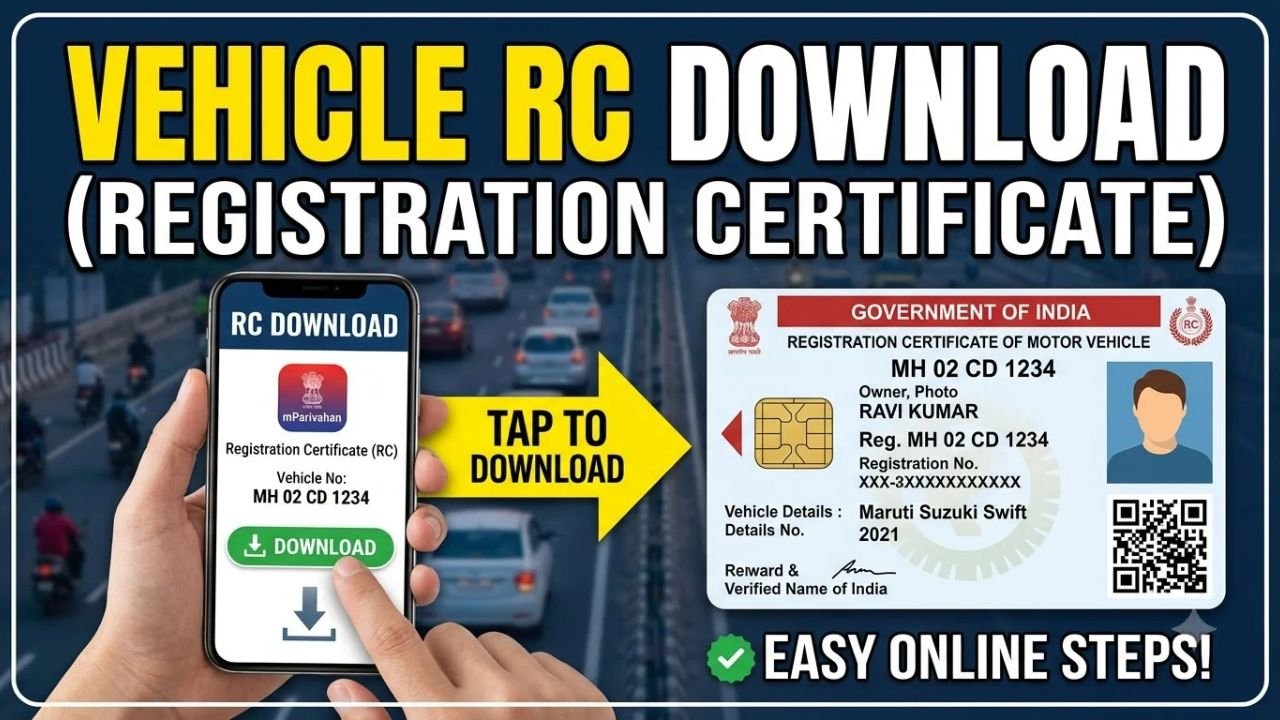
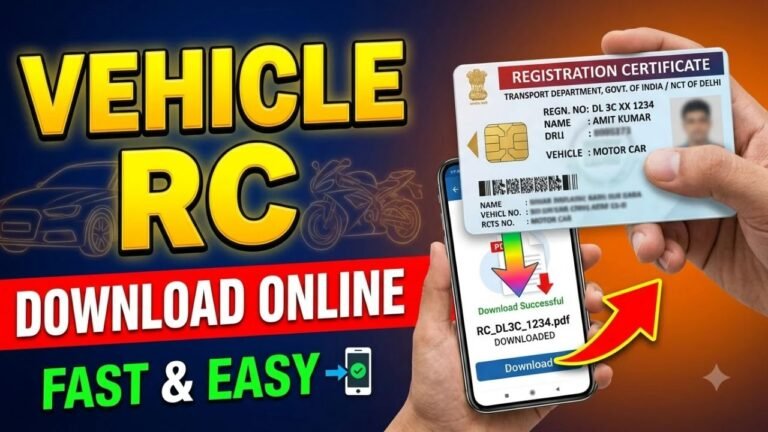
If you have a registered vehicle in India and need a digital copy of your Registration Certificate (RC), you can access it online through government-supported platforms such as DigiLocker and the mParivahan app.
The digital RC is fetched from the government vehicle database and can be accessed from your phone instead of carrying the physical document everywhere. The Ministry of Road Transport and Highways has recognized electronic RCs available through DigiLocker and mParivahan as legally valid digital documents.
Advertisements
How to Download RC Online Using DigiLocker
Step 1: Open DigiLocker
Visit the official DigiLocker website or open the DigiLocker app.
DigiLocker is a Government of India digital document platform that allows citizens to access and share authentic documents issued by government departments.
Step 2: Login to Your DigiLocker Account
Sign in to your DigiLocker account using the available login method.
For accessing verified issued documents, your account needs to be Aadhaar-verified.
Step 3: Find Vehicle Registration Certificate
After logging in, go to the section for obtaining or fetching documents and search for Vehicle Registration Certificate.
Select the relevant issuer associated with the Ministry of Road Transport and Highways.
Advertisements
Step 4: Enter Your Vehicle Details
Enter the information requested by DigiLocker, which can include your vehicle registration number and other details.
The system checks the information against the vehicle records available through the National Register/VAHAN database.
Step 5: Fetch Your RC
After successful verification, DigiLocker fetches the digital RC from the government database.
The document is then saved in your Issued Documents section so you can access it again later.
How to Download RC Using mParivahan
You can also access your vehicle’s digital RC through the official mParivahan platform.
Open the mParivahan app, enter your vehicle registration number and follow the verification process.
The app can provide vehicle-related information and a virtual RC based on the records available through the VAHAN database. Government documentation states that citizens can access their own complete RC information through mParivahan and DigiLocker.
Can I Download RC Without the Physical Card?
Yes, if your vehicle record is available in the government database, you can access its digital RC through DigiLocker or mParivahan.
You do not necessarily need to have the physical RC with you to access the digital version.
However, if the vehicle record cannot be found or the information does not match the database, you may need to contact the relevant RTO.
Why Is My RC Not Showing Online?
There can be several reasons why your RC cannot be fetched.
Your vehicle record may not yet be available in the National Register, or the details entered may not match the information in the government database.
DigiLocker specifically notes that an RC cannot be retrieved if the record is not available in the National Register. It also advises users to check that the document number and other details have been entered correctly.
If the problem continues, contact your RTO or use the relevant Parivahan service to check your vehicle record.
Is Digital RC Valid?
Yes. The Ministry of Road Transport and Highways has stated that electronic Registration Certificates available through DigiLocker and mParivahan are legally recognized at par with the original documents under the applicable provisions.
Digital documents can also be verified using the digital signature or QR code available on the document.
What Details Can You Check With Your RC?
Depending on the service and authentication, vehicle records can provide information such as the registration number, registering authority, vehicle class, fuel type, registration date and other vehicle-related details.
Final Words
Downloading your RC online is convenient if you need a digital copy of your vehicle’s Registration Certificate. The easiest options are DigiLocker and mParivahan, where your vehicle information can be fetched from government records.
If the RC does not appear, check that your vehicle number and other details are correct. If the record is still unavailable, contact the relevant RTO for assistance.
For safety, use only the official DigiLocker, mParivahan or Parivahan services and avoid websites asking for unnecessary personal information or payment to provide a government RC.