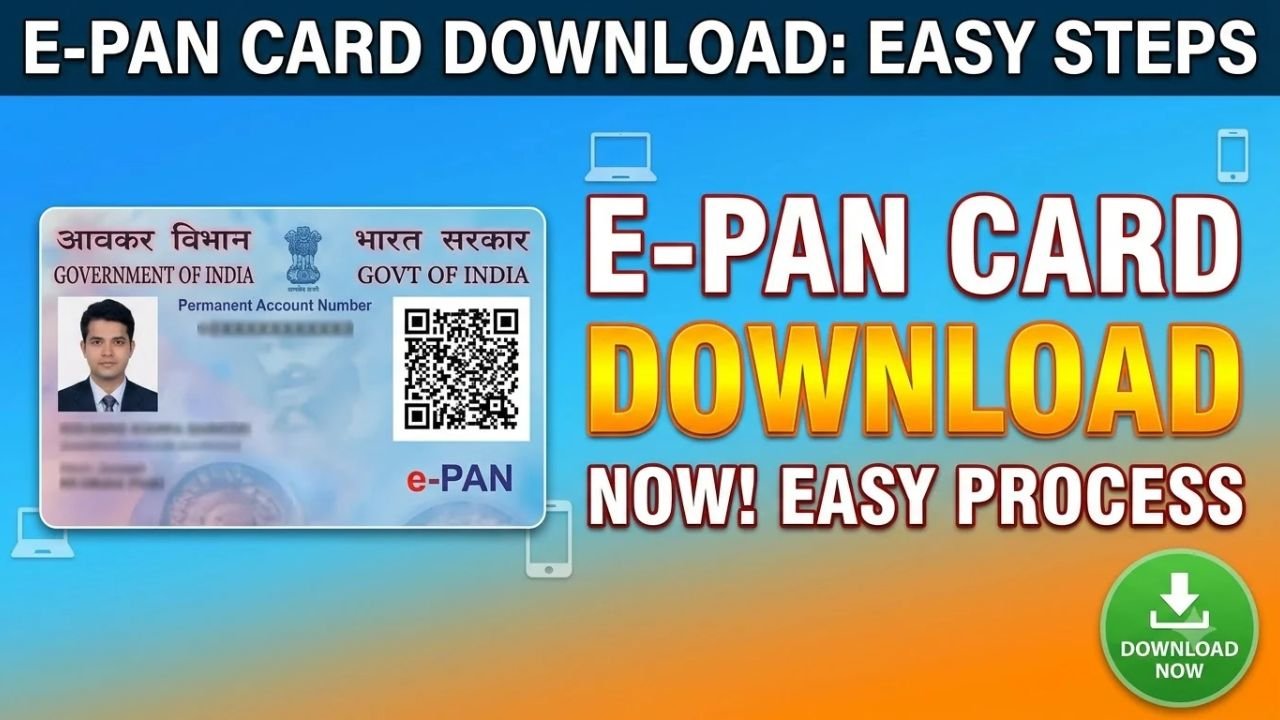
If you already have a PAN and need a digital copy of your PAN card, you can access your e-PAN online. The Income Tax Department provides an official e-PAN service through its e-Filing portal.
An e-PAN is a digitally signed electronic version of your PAN and can be downloaded online when it has been generated and allotted. The download process uses Aadhaar-based OTP authentication in the relevant service.
Advertisements
How to Download PAN Card Online
If your e-PAN has already been generated, you can check its status and download it through the Income Tax e-Filing portal.
Step 1: Visit the Income Tax e-Filing Website
Go to the official Income Tax Department e-Filing portal.
Look for Instant e-PAN under the available services or Quick Links.
Step 2: Select Check Status / Download e-PAN
On the Instant e-PAN page, select Check Status / Download e-PAN.
You will be asked to enter your 12-digit Aadhaar number.
Step 3: Enter the OTP
An OTP will be sent to the mobile number registered with your Aadhaar.
Enter the six-digit OTP to complete authentication.
According to the Income Tax Department, the OTP is valid for 15 minutes and there are three attempts to enter the correct OTP.
Step 4: Download Your e-PAN
After successful verification, your e-PAN request status will be displayed.
If your PAN has been generated and allotted, you can select View e-PAN to open it or Download e-PAN to save a copy to your device.
Advertisements
How to Download e-PAN After Login
You can also download your e-PAN after logging into your Income Tax e-Filing account.
Go to:
Dashboard → Services → View / Download e-PAN
Enter your Aadhaar number and complete the OTP verification. Once your e-PAN is available, select View e-PAN or Download e-PAN.
Can I Download PAN Card Using Aadhaar?
Aadhaar can be used for the Income Tax Department’s e-PAN service, subject to the applicable eligibility requirements.
For Instant e-PAN, the applicant must not already have a PAN, must have a valid Aadhaar linked to an active mobile number, and must meet the other eligibility conditions.
If you already have a PAN and have simply lost your physical PAN card, you should not use Instant e-PAN to generate another PAN. The Income Tax Department specifically states that the Instant e-PAN service cannot be used to obtain a new e-PAN when a PAN has already been allotted.
Is e-PAN Download Free?
The Instant e-PAN service is free of cost when you are eligible to use it.
Be careful with websites that ask for your PAN, Aadhaar or OTP and claim to provide an official PAN download service. Use the Income Tax Department’s official e-Filing portal whenever possible.
What If My PAN Download Is Not Working?
If your e-PAN is not available for download, first check whether the PAN has actually been generated and allotted.
Also make sure that the mobile number used for Aadhaar authentication is active and linked to your Aadhaar.
If you already have a PAN but cannot access your e-PAN, use the appropriate PAN-related service rather than applying for another PAN through Instant e-PAN.
Final Words
Downloading a PAN card online is convenient when you need a digital copy quickly. If your e-PAN is available, you can use the Income Tax Department’s Check Status / Download e-PAN service, enter your Aadhaar number, complete OTP verification and download the available e-PAN.
For security, always use the official Income Tax e-Filing portal and never share your Aadhaar OTP or other sensitive information with an unknown person or website.