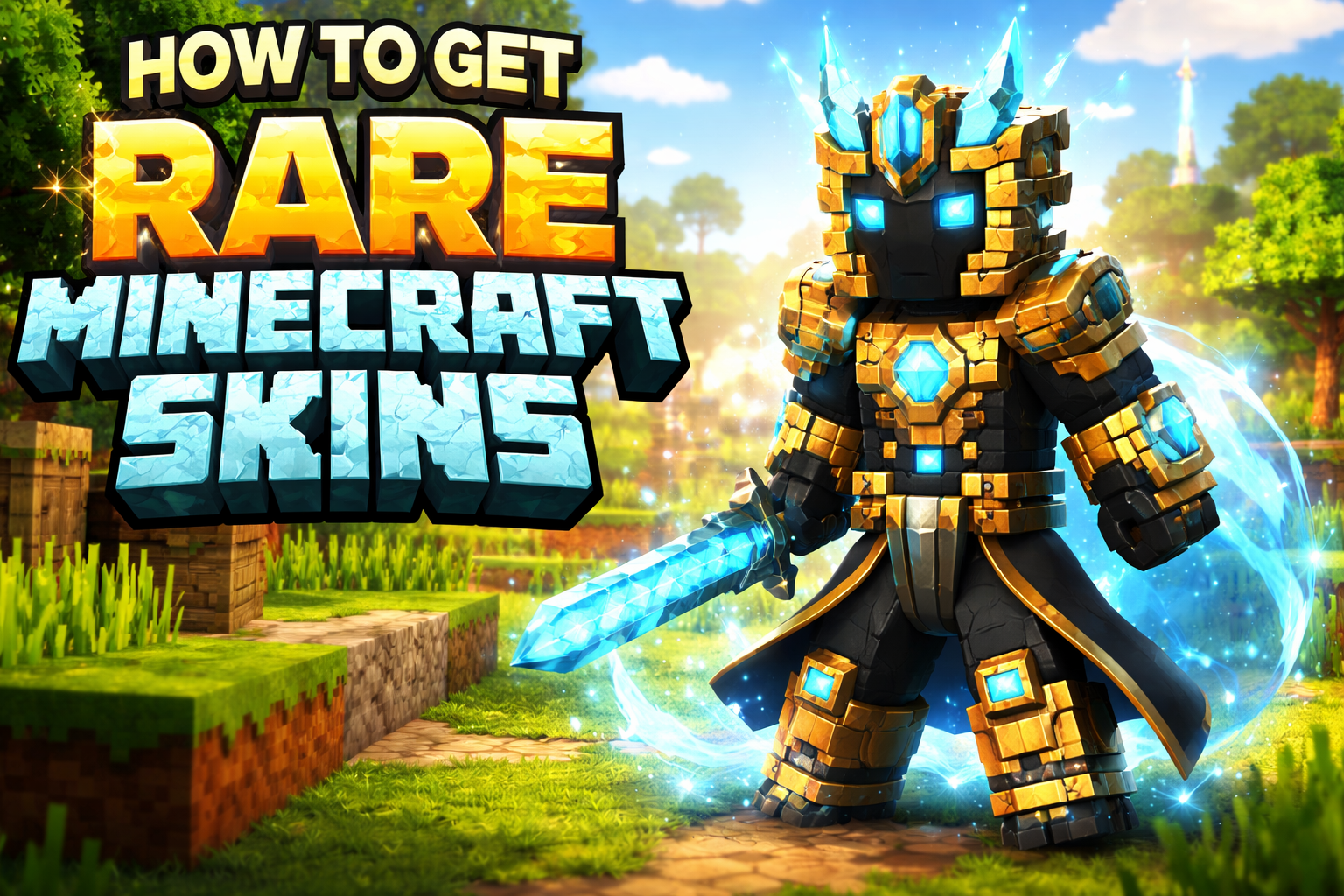
Minecraft is all about creativity, and one of the easiest ways to express your personality in the game is through skins. Whether you want to look like a warrior, a superhero, or something completely unique, skins let you stand out in your world. The good news is that you don’t need to spend money to get amazing skins. There are several safe and easy ways to get free skins in Minecraft.
1. Use Free Skins Available in Minecraft
Minecraft itself offers a selection of free skins, especially in the Bedrock Edition. You can access these directly from the in-game dressing room. While premium skins exist, many free options are available that still look great and help you customize your character without spending anything.
These skins are officially provided, so they are completely safe and easy to use. If you are new to Minecraft, this is the best place to start.
2. Download Skins from Trusted Websites
There are many websites where creators share free Minecraft skins. Platforms like Skindex or NameMC allow you to browse thousands of user-created skins. You can search by category, popularity, or even specific characters.
Once you find a skin you like, simply download the file and upload it to your Minecraft profile. Always make sure you are using trusted websites to avoid harmful files or scams.
3. Create Your Own Custom Skin
If you want something truly unique, you can create your own skin using free online skin editors. These tools allow you to design your character from scratch, change colors, add details, and preview your design in real time.
Creating your own skin not only saves money but also gives you full control over your appearance in the game. It’s a fun and creative process that many players enjoy.
4. Use Community Packs and Events
Sometimes Minecraft releases special events, seasonal updates, or promotional packs that include free skins. These can be tied to holidays, collaborations, or game updates.
Keeping an eye on official announcements can help you grab limited-time skins that are not available elsewhere. These skins often look more polished and themed compared to regular ones.
5. Install Skins in Java Edition
If you are using Minecraft Java Edition, installing skins is very simple. You just need to go to your profile on the official Minecraft website, upload the downloaded skin file, and save the changes.
After that, your character will automatically update in the game. This method allows you to use any custom skin you download or create.
Final Thoughts
Getting free skins in Minecraft is easy, safe, and gives you endless customization options. Whether you choose official skins, download from trusted sources, or design your own, you can make your character truly unique without spending any money.
The key is to stick to reliable platforms and enjoy the creative freedom that Minecraft offers. With so many options available, you’ll never run out of ways to personalize your in-game identity.