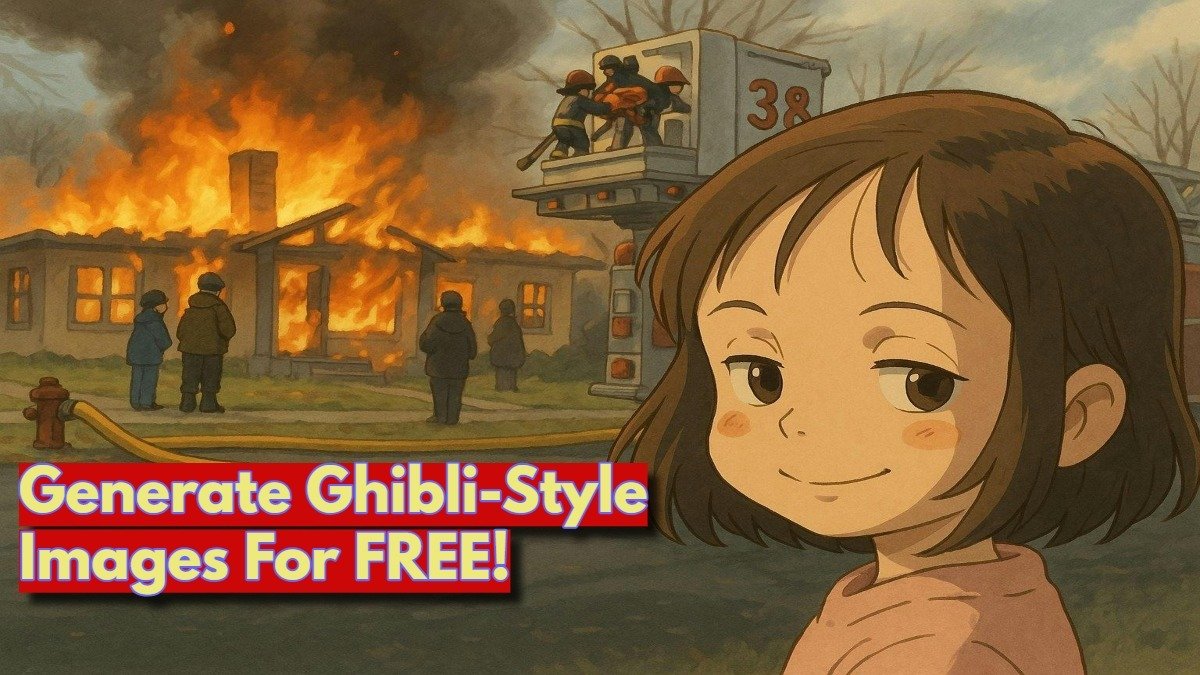
Ghibli-style images got tremendous attention and success because of social media. Everyone is looking for Ghibli-style images. Now, what if you could create your own Ghibli-inspired images for free? Well, thanks to ChatGPT and other AI, this is totally possible.
If you’re looking to transform your own photos into stunning Ghibli-style images, here’s how you can do it using some free tools, including ChatGPT, Grok, and a few others.
What is Ghibli-Style Art?
Before we dive into how to create these images, let’s quickly talk about what makes Ghibli-style art so unique. So the main USP of Ghibli’s animation is that it combines elements of realism with fantasy, often featuring beautifully detailed backgrounds and emotionally expressive characters. It’s a style that adds the cuteness and colours in such a way that it feels both nostalgic and timeless.
Now, let’s talk about how you can use it to turn your own photos into something that looks like it came straight out of a Ghibli movie. Well, you can.
Free Tools to Create Ghibli-Style Images
1. ChatGPT (With DALL·E Image Generation)
The simplest and easiest way to convert your images into Ghibli-Style is ChatGPT. If you’re familiar with ChatGPT, you know it’s great for writing and researching. But did you know you can use it to generate images too? You can actually create 3 Ghibli-style images per day for free using its image generation feature. Here’s how:
- Step 1: Upload your image
- Log in to ChatGPT and start a conversation by uploading an image that you want to convert into Ghibli.
- Step 2: Provide a prompt
- For example, you can say, “Transform this photo into a Ghibli-style image.”
- Step 3: Download your image
- Wait for a few seconds or a minute and ChatGPT will process the image and return a transformed version that fits the Ghibli style.
This method may require some patience if you’re using the free version, but it’s worth the wait. You can experiment with different prompts to refine the result.
2. Grok AI
If you are a user of X (previously known as Twitter), then you can create your Ghibli image from there also. X’s AI Grok is another simple tool that lets you create Ghibli-style art for free. Here’s how you can use it:
- Step 1: Upload Image
- You can sign in to X and start a conversation with its AI bot Grok by clicking on its icon and uploading your photo.
- Step 2: Choose the Ghibli style
- Write a prompt and select the style you want to apply (in this case, Ghibli) and let the AI work its magic.
- Step 3: Download the result
- After a few minutes, you’ll have your very own Ghibli-inspired image.
This tool is free to use and doesn’t require any complicated setup.
3. Getimg.ai
Getimg.ai is a free tool that allows you to create Ghibli-style art from both images and text. It’s particularly useful if you want more customisation in your images. Here’s how to use it:
- Step 1: Sign up
- Create a free account on Getimg.ai.
- Step 2: Upload your image
- Upload your image and provide a text prompt to generate Ghibli-style art.
- Step 3: Download your image
- You can then download your Ghibli-style creation.
You also get free credits when you first sign up, which means you can try it out without spending anything.
4. Fotor’s Ghibli AI Generator
Fotor is a popular online photo editor, and it also offers a Ghibli filter that lets you turn your photos into a Ghibli-style image. Here’s what you need to do:
- Step 1: Go to Fotor’s website
- Upload your image to their AI photo editing tool.
- Step 2: Apply the Ghibli filter
- Select the Ghibli-style filter, and let Fotor transform your photo.
- Step 3: Download the result
- Once the transformation is done, you can download your Ghibli-inspired image.
Fotor is free to use for basic editing, but some premium features may require a subscription.
5. insMind Ghibli Filter
insMind also offers a Ghibli-style filter that turns your photos into Ghibli. It’s perfect for portraits or even landscapes. Here’s how it works:
- Step 1: Upload your photo
- Go to insMind’s platform and upload your photo.
- Step 2: Apply the Ghibli filter
- Choose the Ghibli-style filter to turn your image into a magical illustration.
- Step 3: Download your image
- Once processed, you can download your artwork.
insMind is easy to use and offers a lot of flexibility for users looking to create Ghibli-style art.
Tips for Creating Better Ghibli-Style Images
- High-quality photos work best: The clearer your image, the better the results will be when transformed into Ghibli-style art.
- Use simple backgrounds: Don’t experiment with backgrounds because your main focus should be your subject instead of the background.
- Experiment with different tools: Some AI tools may give you better results depending on your photo. You can explore a 2-3 platform if you need more than a few images, and that too for professional work.
Final Thoughts
Creating a Ghibli image isn’t too hard, it is just that you have to select the good platform and give a simple prompt like “Convert this image into Ghibli-Style”. Whether you’re using ChatGPT, Grok, or Fotor, these tools are amazing for transforming your photos into magical, hand-drawn illustrations without spending any money on premium tools. So, why not give it a try? Experiment with these free methods and create your first Ghibli-style images for free.
Let us know which method works best for you in the comment section.