Do you want to download your land record, check agricultural land details or verify the name recorded against a property? Many Indian states now provide online access to land records through their official revenue department websites.
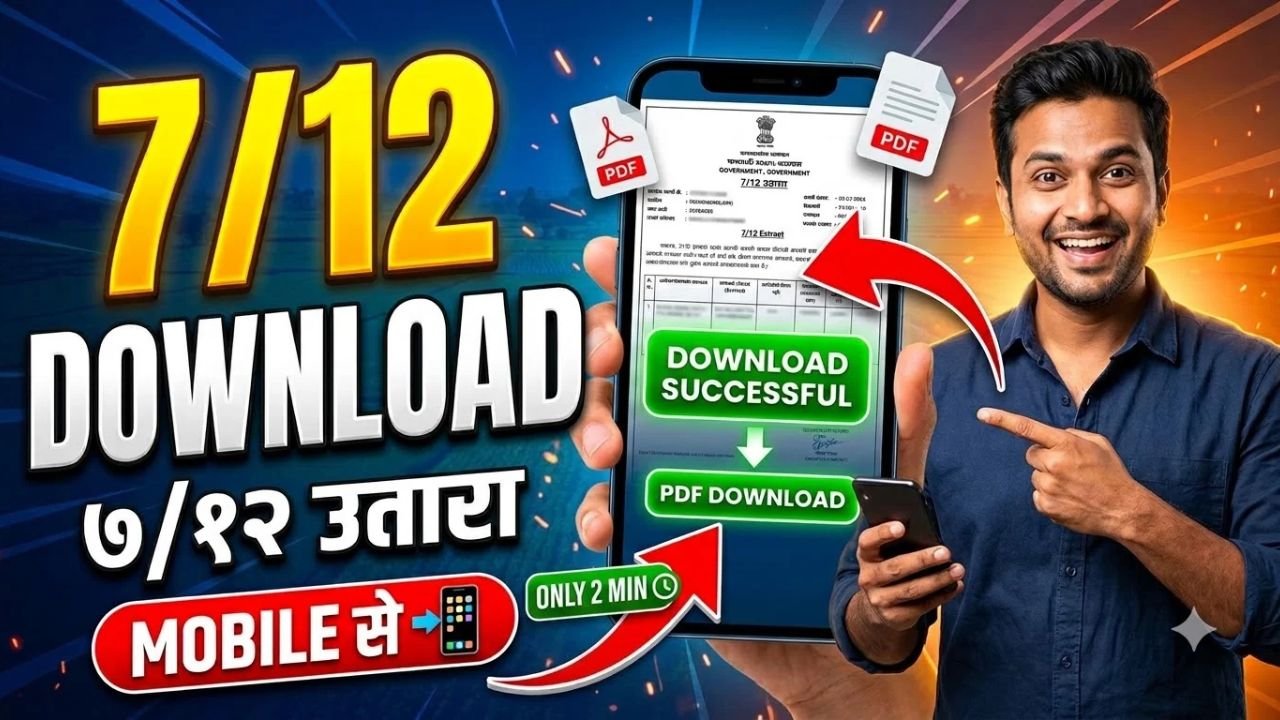
A document commonly known as 7/12 Utara, Satbara or 7/12 extract is particularly associated with Maharashtra and Gujarat. Other states use different names for similar land records, such as Jamabandi, Khatauni, Khasra, RTC or Patta Chitta.
The website and download process depend on the state where the land is located. You generally need to select the district, taluka or tehsil, village and survey or plot number to find the correct record.
Advertisements
What Is a 7/12 Utara?
A 7/12 Utara is a land record associated with agricultural land in Maharashtra and Gujarat. It contains information recorded by the revenue department about a particular land parcel.
Depending on the state and record format, land records may include:
Name of the recorded landholder
Survey number or land identification number
Land area and classification
Details of cultivation or crops, where recorded
Relevant rights, liabilities or mutation entries, where applicable
These details can help people check land information, prepare for agricultural land transactions and verify entries in government records.
However, a land record should not be treated as the only proof required to establish legal ownership. Additional documents and verification may be necessary.
Advertisements
How to Download 7/12 Utara Online
If your land is located in Maharashtra or Gujarat, follow the relevant state-specific process below. If your land is in another state, use that state’s official land-record portal and look for the equivalent Record of Rights (RoR) document.
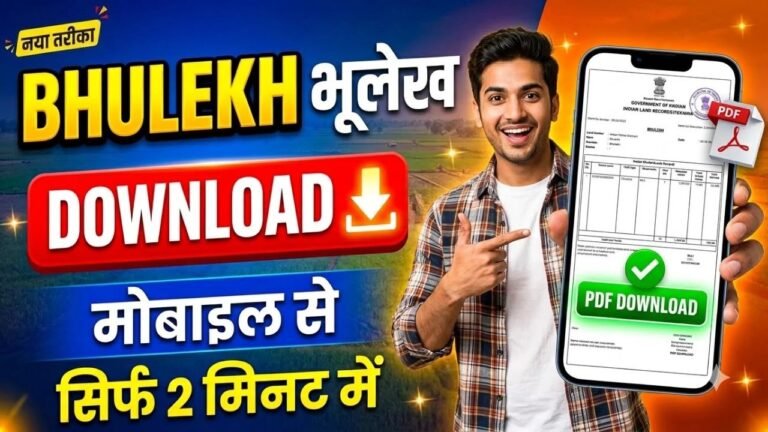
Maharashtra provides online land-record services through its Mahabhumi and Mahabhulekh portals.
Search using the available details, such as the survey number, gat number or landholder name.
Complete any required verification and submit the details.
Review the record displayed on the screen.
The regular online viewing service is intended for checking land information. If you need a digitally signed document for official work, visit the Maharashtra Digital Satbara portal (Maharashtra), and Gujarat iORA portal (Gujarat), register or log in, select the required record and follow the portal’s payment and download instructions.
What If Your Land Is in Another Indian State?
The name of the land document and the official website differ across India. You may not find a document specifically labelled “7/12 Utara” if your property is registered outside Maharashtra or Gujarat.
Instead, search for your state’s official land records or Record of Rights service. For example, the equivalent document may be called a Khatauni, Jamabandi, RTC, Patta or Adangal.
Always confirm that the website belongs to the relevant government department before entering personal information or making a payment.
What Details Are Required to Check Land Records?
Before opening the portal, keep the following information ready:
State and district
Taluka, tehsil or equivalent administrative area
Village name
Survey number, gat number, khasra number or plot number
Landholder’s name, if a name-based search is available
Not every portal supports all search options. Some websites may also require a mobile number, OTP or additional verification.
Can You Download a 7/12 Utara on a Mobile Phone?
Yes. You can generally access government land-record portals using a mobile browser, although the layout and available services may vary.
Open the official portal, select the relevant land-record service, enter the property details and view the available record. If a download or print option is provided, follow the instructions on the website.
If the page does not display correctly on your phone, try using a desktop browser or visit the relevant revenue office for assistance.
Frequently Asked Questions
Is 7/12 Utara available online in every state?
Land-record services are available online in many states, but document names, portal features and download facilities differ. Not every state uses the term 7/12 Utara.
Can I check land records without a survey number?
Some portals allow searches using a landholder’s name or other details. However, a survey, gat, khasra or plot number can make it easier to identify the correct parcel.
Is the online 7/12 extract free?
Viewing and downloading charges depend on the state and service. Some portals provide free viewing, while digitally signed documents or other services may require payment. Check the official website for current charges.
Conclusion
You can check land records online without visiting a revenue office in many cases. The first step is to identify the official portal for the state where the property is located.
For Maharashtra, use Mahabhulekh to view 7/12 records and Digital Satbara for digitally signed copies. For Gujarat, start with AnyRoR and use the relevant digitally signed RoR service when required.
For other states, visit the official state land-record portal and search for the equivalent Record of Rights document.