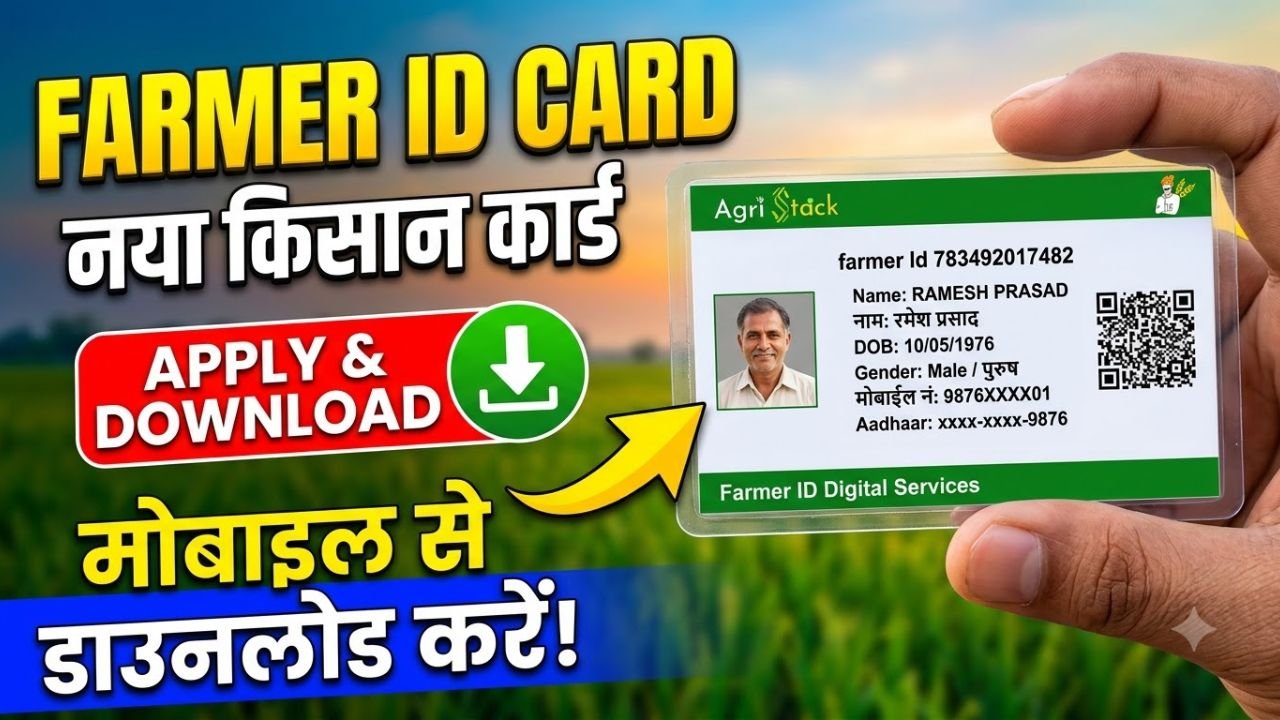
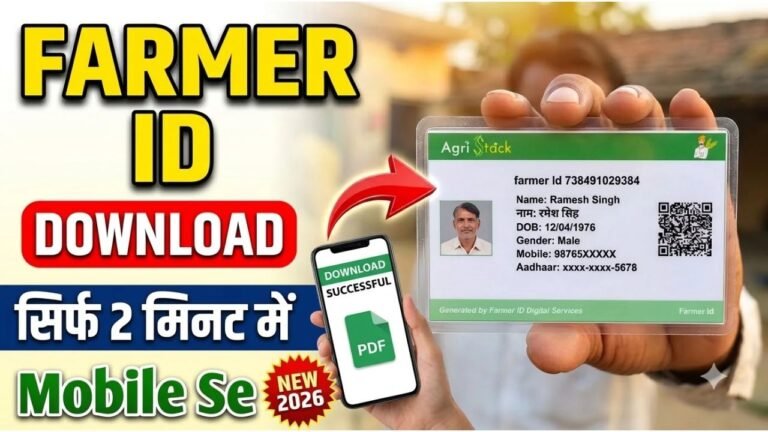
Farmers in India can apply for a Farmer ID online through the Farmer Registry system under the Government of India’s AgriStack initiative. The Farmer ID provides farmers with a digital identity that can help connect their records with agricultural schemes and services.
The registration and download process depends on the state where your agricultural land is recorded. Some states have their own Farmer Registry portals, so applicants should use the correct official website.
Advertisements
What Is a Farmer ID?
A Farmer ID is a unique digital identity created through the government’s Farmer Registry. It is designed to help identify farmers and link their profiles with relevant agricultural and land records.
The registry can support access to government services, including eligible agricultural schemes, crop insurance, procurement and other farmer-related benefits. However, having a Farmer ID does not automatically guarantee eligibility for every scheme. (AgriStack)
How to Apply for Farmer ID Online
Follow these general steps to register for a Farmer ID.
Step 1: Visit the Official Farmer Registry Portal
Open the official AgriStack website or your state’s Farmer Registry portal.
Select your state and open the relevant registration service, if available.
Advertisements
Step 2: Register as a Farmer
Look for an option such as Farmer Login, New Registration or Create Farmer Account.
Enter the details requested by the portal and complete the required verification. The exact registration options may differ between states.
Step 3: Enter Aadhaar and Personal Details
Depending on your state’s process, you may need to provide Aadhaar details, your mobile number and other personal information.
Complete the required OTP authentication. Never share your OTP with an unknown person.
Step 4: Provide Land Details
You may need to provide or verify your agricultural land information. The portal may retrieve land records from the state’s database, or additional verification may be required.
Check that your name and land details match the relevant records. If there is a mismatch, contact the appropriate revenue or agriculture department for assistance.
Step 5: Submit Your Application
Review the details carefully and submit the registration.
Save your application or enrolment reference number, if provided. Your Farmer ID may be generated after the required verification and approval.
How to Check Farmer ID Registration Status
If you have already applied, visit your state’s official Farmer Registry portal.
Look for Check Enrollment Status, Application Status or a similar option. Enter the requested reference number or personal details and complete verification.
If your application is pending, wait for the official verification process. If it is rejected or your details are incorrect, follow the instructions displayed on the portal or contact the relevant registration authority.
How to Download Farmer ID Card Online
If your Farmer ID has already been generated, you may be able to download or print it through your state’s portal.
Open your official state Farmer Registry website.
Log in using the credentials or authentication method provided.
Find the option to view your Farmer ID or farmer details.
Select Download, Print or the available document option.
Save the file on your phone or computer.
The download option and document format may vary by state. If no download option is available, follow the portal’s instructions for accessing your registration details.
What Documents Are Required?
Depending on the state, you may need:
Aadhaar details for identity verification
A mobile number for OTP authentication
Agricultural land records
Existing farmer registration or scheme details, if applicable
Additional documents requested by the state authority
Check your state’s instructions before beginning the application.
Is Farmer ID Registration Free?
Use the official government portal to check the current registration procedure and any applicable charges. Be cautious of unofficial websites or agents promising guaranteed approval or asking for unnecessary payments.
Final Words
To apply for or download a Farmer ID online, visit the official AgriStack website and select the Farmer Registry portal for your state. Complete the registration and land verification process, check your application status, and download your Farmer ID if the portal provides that option.
Because Farmer Registry procedures differ across states, always follow the latest instructions on the official portal and contact your local agriculture or revenue office if your land records require correction.